Skip to content
Private Messages
Powerful Features Designed by Educators
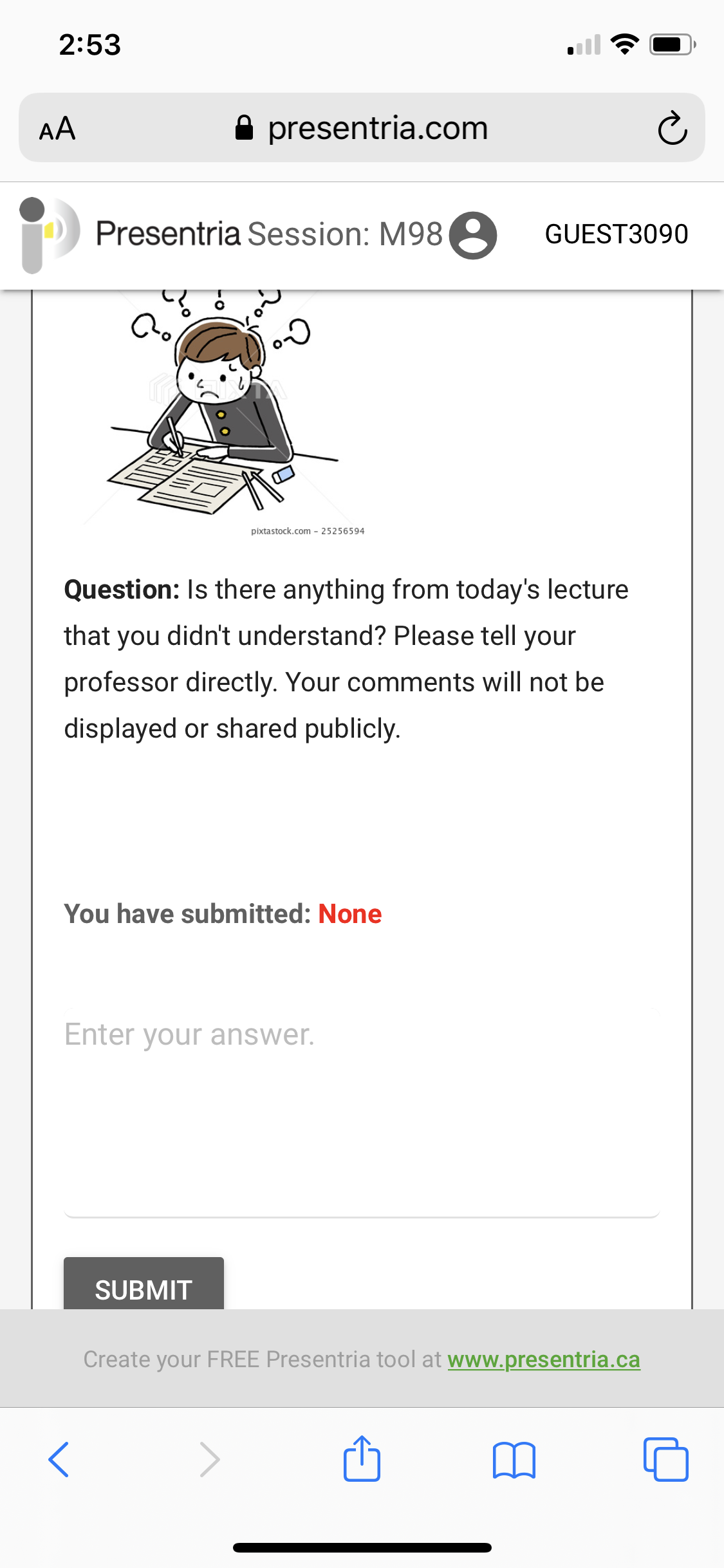
- You can use Presentria to collect feedback privately using the Private Message question type.
- Educators use it to better understand the needs of their students, especially those who may be shy to speak up in class.
- Seminar organizers can use it to collect feedback from the audience to better evaluate the quality of their speakers and event in general.
- The result will only be displayed in the Instructor Portal via the report function. It will not be shown on the projector screen or participants' devices.
- You can enhance the question by changing font color/size, and adding hyperlink, images, YouTube Video, tables, divider-line, symbols, and equations to the question (via Question Bank only, not on Basic).
- You can set a timer for a question. Your options are 10 seconds, 30 seconds, 1 minute, 2, minutes, 3 minutes, 5 minutes, 10 minutes, 15 minutes, 20 minutes, 25 minutes, and 30 minutes. There will be animated reminder for the count down during the last 10 seconds.
 See what a Presentria quiz looks like:
- Log-in at http://www.presentria.com (no registration required)
- Use session number M98
 Learn more about...